Live Trivia
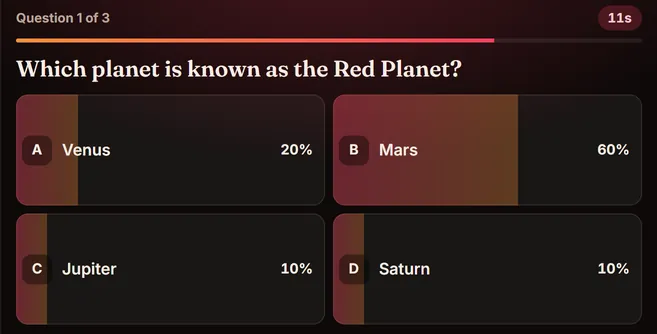
QuizViewers answer A, B, C or D. Fastest correct answers score most.
Viewers commentA / B / C / D
See how it works
Battle game for TikTok LIVE
The fastest way to split your room into two teams and get the comments flying. Viewers type BLUE or RED, and every comment drags the rope towards their side until one team crosses the line.
Try it here
Type a comment and watch the game react — just like demo mode in the app.
Tug of War demo
Simulated chat · type below to play
Comment BLUE or RED to pull
Keep Blue vs Red or rename the teams to anything your room cares about — cats vs dogs, two creators, two cities.
Press Start. The game shows viewers exactly what to type, so nobody has to ask.
Every matching comment pulls the rope a step towards that team. The side that drags it over the line wins.
Turn on automatic rounds and a new battle starts after a short pause, so the energy never drops.
FAQ
Viewers comment BLUE / RED in your TikTok LIVE chat. The game shows the instructions on screen, so new viewers know what to do straight away.
Yes. Demo mode lets you type simulated comments and play Tug of War start to finish without connecting to TikTok.
Tug of War is included in every Tream plan along with the other 7 games. New accounts get a 3-day free trial.
Viewers answer A, B, C or D. Fastest correct answers score most.
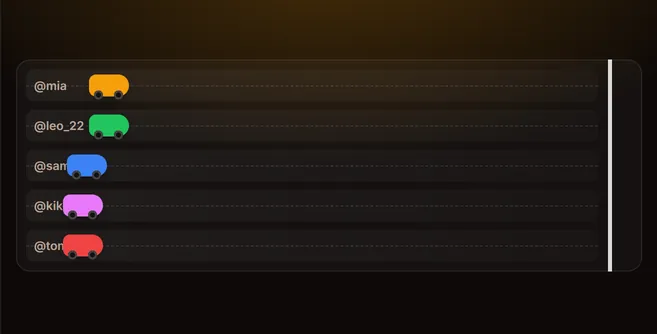
Each viewer gets a car. Comments are the nitro.
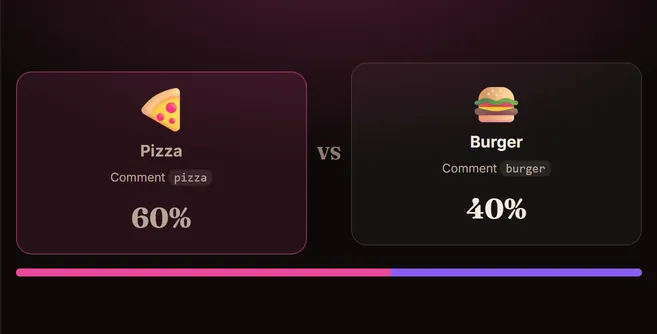
Picture vs picture. Chat votes with a keyword.
Included with every plan, plus 7 more games. Start your 3-day free trial — no TikTok password required.
All 8 games3-day free trial · cancel any time
Play Tug of War free