 @miablue!!
 @leo_22B
 @samMia + Leo
 @jay.kboost
 @anapizza
 @zoe7
 @maxticket
 @kikisilver
 @tomRED RED
 @novait’s C
 @ravigo go go
 @linburger
 @eli12
 @olaprint me
 @benme + crush
 @ivycloud
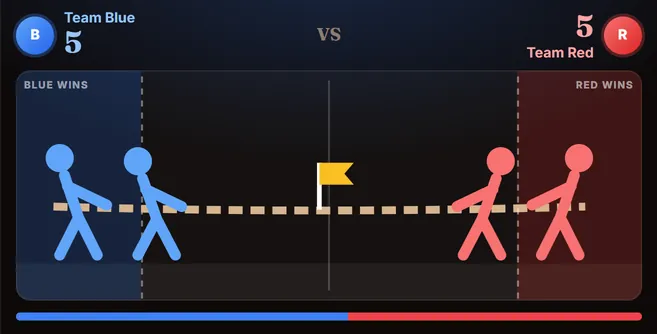
Tug of War
BattleTeam Blue vs Team Red. Every comment pulls the rope.
Viewers commentBLUE / RED
See how it works
Games for TikTok LIVE
Your viewers pull, vote, race and guess by typing in the comments. Pick a game below, share it on your LIVE, and stay on camera while chat plays — more comments, longer watch time, bigger rooms.
7-day free trial · No TikTok password · Works from your phone
7 wins!@mia · @tom
Comment a number from 1 to 12
Try it here
A tiny version of Tream’s demo mode. On your LIVE, your viewers’ real comments do this.
Simulated chat · type below to play
Which planet is known as the Red Planet?
pizza60%burger40%Picks this round
It’s a match! · asked by @mia
Up next: Sam + Zoe
Every cloud has a ______ lining
A letter is revealed every 8 seconds
Comment BLUE or RED to pull
The games
8 games to play
Team Blue vs Team Red. Every comment pulls the rope.
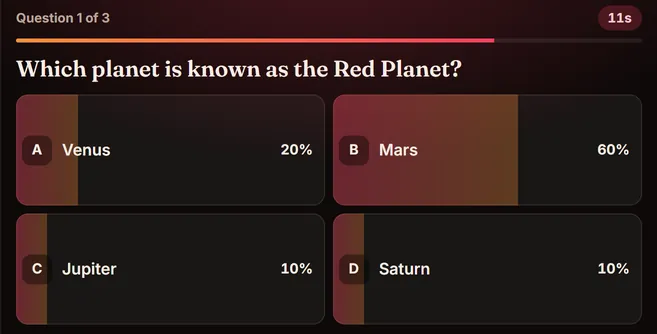
Viewers answer A, B, C or D. Fastest correct answers score most.
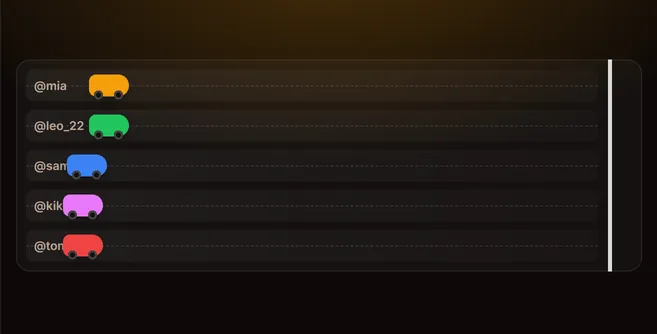
Each viewer gets a car. Comments are the nitro.
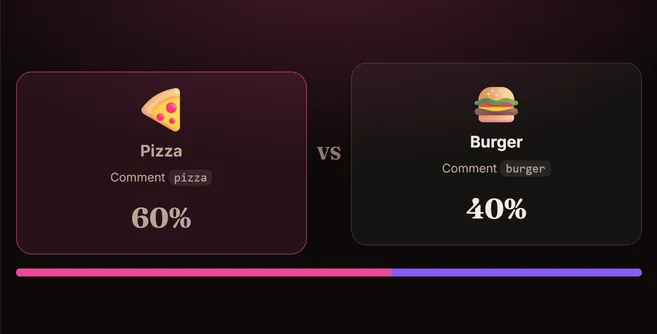
Picture vs picture. Chat votes with a keyword.
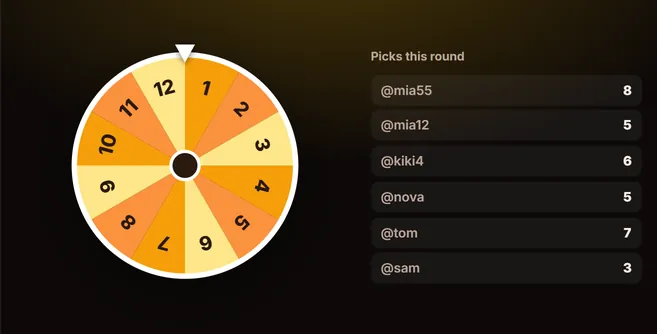
Viewers call a number. The wheel decides who wins.
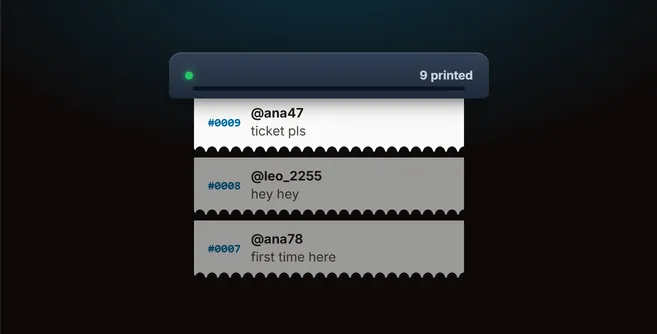
A receipt printer that prints every comment as a ticket.
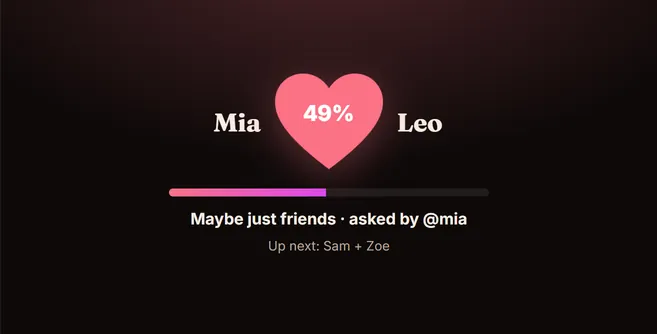
Comment “name + name” and get a live love score.
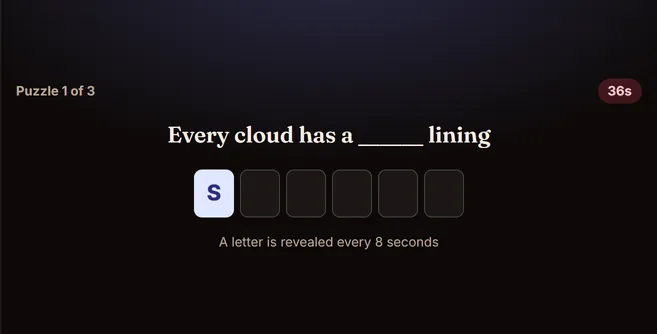
Chat guesses the missing words. Tiles flip with the solver’s name.
How it works
Sign up for Tream and add the TikTok username you stream from. No password needed.
Pick a game, adjust rounds and timers on its settings page, and try it in demo mode.
In the TikTok app, start a LIVE with Mobile gaming so it shares your screen. On a computer, share the game window.
Press Start in Tream and switch to the game. Comments drive every move, live on your stream.
TikTok’s Mobile gaming option shares your screen with the game on it.
Use stream view and share the window in TikTok LIVE Studio, OBS or your usual setup.
Viewers only comment. Nothing to install, tap, or sign up for.
Who it’s for
Pick games that fit your stream — here’s where creators usually start.
Between matches or while queueing, drop in a quick battle or race so chat stays loud.
Try: Tug of War Nitro Race
Give the room something to react to and a reason for newcomers to say hi.
Turn a lesson or recap into a quiz with your own question and word packs.
Try: Live Trivia Word Puzzle
Let chat pick the next song, or print a ticket shout-out for everyone who says hi.
Features
Set up each game once, rehearse it, and run it from one screen while you stream.
Viewers play by typing in the comments. No gifts, links, or extra apps on their side — anyone watching can join in a second.
Puts only the game in fullscreen, so your screen share shows the game and nothing else.
Rounds, timers, teams and keywords for all 8 games are saved to your account. Next stream starts where you left off.
Build trivia and word packs in a visual editor, or upload JSON. Make quizzes about your niche, your fandom or yourself.
Rehearse with simulated comments before you go live. Test every game without connecting to TikTok.
Connect with your TikTok username only. We read the public comments of your LIVE — nothing else.
Stream from your phone with TikTok’s Mobile gaming mode, or share the window from TikTok LIVE Studio or OBS.
Why comment games
On TikTok LIVE, a busy chat is everything. Comments signal that your stream is worth watching, keep new viewers from scrolling away, and give you something to react to. The hard part is getting a quiet room to start typing.
Interactive TikTok LIVE games solve that by giving every viewer a reason to comment right now: their team is losing the tug of war, their car is one boost from the finish, the trivia timer is running out. Because Tream games run on comments instead of gifts, everyone can play — not just the viewers who spend.
Use a quick battle to warm up the room, a quiz to keep it, and a party game like Love Calculator when you want to chat. Rotate games through your stream, and your regulars will start showing up for game night.
| Feature | Tream | Gift-triggered overlays | Downloadable game apps |
|---|---|---|---|
| Who can play | Every viewer, by commenting — free for them | Mostly viewers who send gifts | Depends on the game |
| What you need to host | A web browser on your phone or computer | Usually a PC with OBS or LIVE Studio | Usually a Windows PC |
| Viewer setup | None — they just type | None, but gifts cost coins | None |
| Account access | TikTok username only | Varies | Varies |
| Rehearse before going live | Built-in demo mode with simulated chat | Varies | Varies |
| Your own content | Custom trivia and word packs | Rarely | Rarely |
A general comparison of common approaches, not of any specific product. Many tools mix several of them.
Pricing
New accounts get 7 days of full access. Payments run through Stripe, and you can cancel any time.
$1.99/month
Billed every month
$9.99/year
Billed once a year · works out to $0.83/mo
Save 58% vs. paying monthly ($13.89 a year)
Prices in USD. Taxes may apply depending on your location. Your 7-day trial starts when you create an account. After the trial, the plan you choose renews automatically until you cancel. Payments are processed securely by Stripe. See our Refund & Cancellation Policy and Terms.
Guides
How to run each game, plus tips from the blog
Keep Blue vs Red or rename the teams to anything your room cares about — cats vs dogs, two creators, two cities.
Start with a ready-made pack like World & General Knowledge or Tech & Gaming, or build your own.
Leave it empty so any comment counts, or pick a keyword like “boost” or your catchphrase.
Upload a photo for each option and give it a name and a single-word keyword.
Choose the lowest and highest numbers — up to 50 numbers fit on the wheel.
Leave it empty to print every comment, or set a word like “ticket”.
Add example comments so viewers know exactly what to type.
Proverbs to complete (“Every ___ has a silver lining”) and word lists to find (“Find all 8 planets”).
A practical, no-shortcuts guide to getting real TikTok followers: niche, hooks, consistency, TikTok SEO, replies, collabs and LIVE.
Hooks, watch time, video length, searchable captions, posting rhythm and repurposing: a practical checklist for getting more TikTok views.
What TikTok actually says about its For You recommendations, what it doesn’t, and how to use that to reach more of the right viewers.
Why one-size-fits-all posting times are weak, how to read your follower activity in TikTok Analytics, and a two-week test to find your best hours.
Step-by-step instructions to block, unblock and bulk block on TikTok, what blocking actually does, and when muting, restricting or reporting is the better choice.
One subscription unlocks every game. 7-day free trial, cancel any time.
FAQ
Questions, answered
Tream is a set of 8 interactive games for TikTok LIVE. You run a game on screen, and your viewers play it by commenting in your live chat — voting, guessing, racing and pulling for their team.
Nothing beyond watching and commenting. Each game shows what to type, such as a team name, an answer letter, or a guess. No gifts, links, downloads or sign-ups on their side.
No. Tream only asks for your TikTok username, which it uses to read the public comments of your live. We never ask for, see or store your TikTok password.
No. You can stream from your phone: start a LIVE with TikTok’s Mobile gaming option, which shares your screen, then switch to the game. If you stream from a computer, open stream view and share the game window in TikTok LIVE Studio, OBS or your usual setup.
Yes. Demo mode lets you type simulated comments and play through any game without being live or connecting to TikTok.
Yes. Every game has its own settings page for rounds, timers, teams, keywords and example comments. Live Trivia and Word Puzzle also take your own question and puzzle packs, built in a visual editor or uploaded as JSON.
New accounts get 7 days of full access for free. After that, one subscription unlocks every game — from $1.99. See the pricing page for current plans.
Open Billing in the app and manage your subscription in the Stripe customer portal. You can cancel any time and keep access until the end of the period you already paid for.
Tream games are driven by comments, not gifts — so every viewer can play for free, which keeps the chat busy and your room growing.
No. Tream is an independent product and is not affiliated with, endorsed by, or sponsored by TikTok or ByteDance.
Pick a game, connect your LIVE with just your username, and let the comments take over.
All 8 games7-day free trial · cancel any time
Start 7-day free trial